

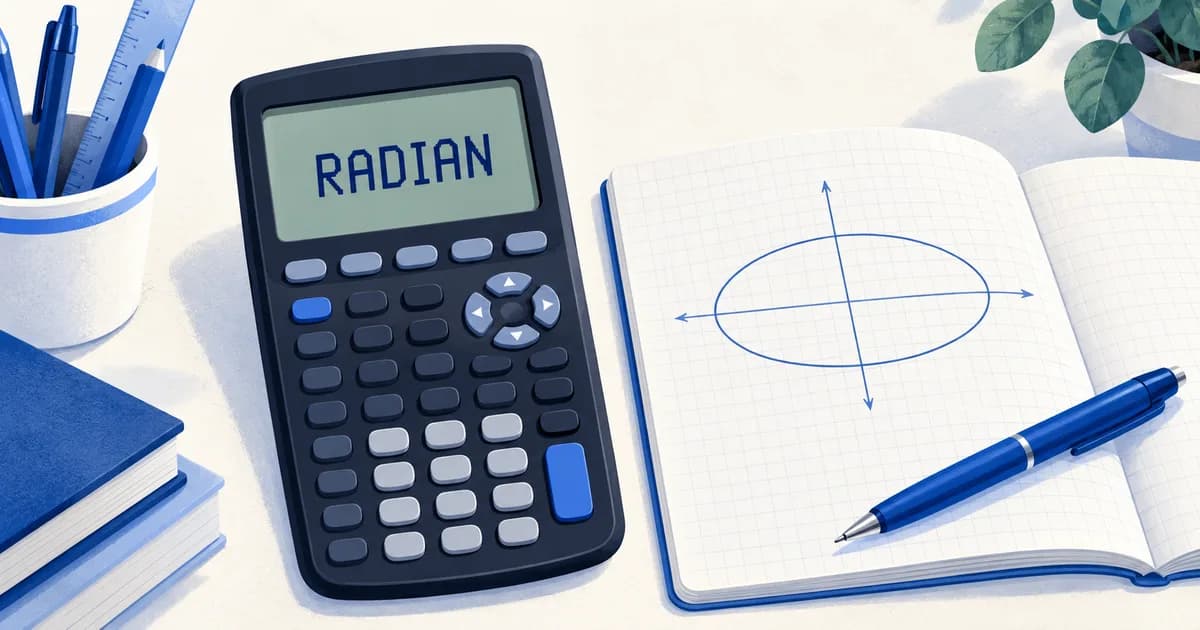
Your GC may not be broken. It may simply be interpreting your angles in the wrong unit.
In the video below, a student sends me a photograph of a calculator that seems unable to show the expected graph. The clue is in its status bar: DEGREE. My practical habit for H2 Math is to keep the graphing calculator in RADIAN mode and use a scientific calculator for degree work, checking its mode too.
This is a way to avoid forgetting a setting change. It is not a claim that degrees are invalid: the angle unit must match the question. Here is what the setting changes, why the results can look surprising, and what to check before you trust an answer.
Watch the calculator demonstrations
Watch the original short lesson, including the uninterrupted graph and integral demonstrations.
Watch this video on YouTube Shorts. The graph demonstration begins at about 0:50; the integral demonstration begins at about 1:26.
What RADIAN and DEGREE actually change
The mode tells the calculator how to interpret an unmarked angle inside a trigonometric function. The same number is a different angle in the two systems. For example, $\sin(30^\circ)=0.5$, while $\sin(30)$ with 30 interpreted as radians is approximately $-0.988$. Neither calculation is a calculator fault: they answer different questions.
Texas Instruments explains this behaviour in its TI-84 Plus CE angle-mode guide. The mode is shown in the status bar.
Before using sine, cosine or tangent, identify the angle unit required by the question. Do not change modes simply because an answer looks unfamiliar. If you deliberately change a setting, check it again before the next question.
Why the expected parametric graph can disappear
In the first demonstration, the calculator has the parametric equations
$$x=4\sin T,\qquad y=3-\cos T.$$
With $T$ in radians, an interval of $0\le T\le2\pi$ traces a full ellipse. If you keep those numerical bounds but interpret them as degrees, you only sweep through about $6.28^\circ$. You are tracing a small part of the curve instead of one full revolution. This interval is an explanatory example; always inspect the actual parameter settings used in your own question. In the video, switching the angle mode makes the expected curve disappear from the displayed view. That does not mean degree mode can never draw the curve. A degree-based full revolution would use $0^\circ\le T\le360^\circ$, with suitable plotting settings. The problem is changing the interpretation while leaving the rest of the setup unchanged.
If a graph looks empty or incomplete, check the equation, angle mode, parameter interval and viewing window together. TI’s trigonometric graphing guide also shows why the angle setting and graph window both matter.
Why the integral gives a different answer
The second demonstration evaluates
$$\int_{-1}^{5}\sqrt{1+\sin T}\,dT.$$
The displayed answer is about 5.572 in RADIAN mode and 6.103 in DEGREE mode. The expression on screen looks the same, but the sine calculation has changed.
In ordinary calculus notation here, $\sin T$ uses radians. Interpreting the numerical input as degrees instead means evaluating $\sin(\pi T/180)$ inside the integrand. That is a different function of $T$, so its integral need not agree.
This is especially easy to miss because the wrong setup can still produce a plausible number. Write down what you are evaluating, check the limits and angle unit, and compare the result with the behaviour you expect from the function.
A quick check before your next H2 Math question
Use this routine when starting calculator work, and whenever a graph or result surprises you:
- Read the question’s units. Identify whether the angles are stated in degrees or radians.
- Check the status bar. For radian-based work on a TI-84, press MODE, highlight RADIAN and press ENTER; then return to the calculation.
- Check the input. Confirm brackets, signs, limits and the chosen function or graph type.
- Check the window or parameter range. A correctly entered graph can still sit outside the visible window.
- Make a simple sense check. Does the sign, approximate size or shape fit your mathematical working?
My advice to keep the GC in radians is a consistency habit: it reduces the chance of carrying a degree setting into the next radian-based problem. If you use a separate scientific calculator for degrees, check that calculator’s mode as well. Degrees remain appropriate when the question requires them.
Turn the tip into practice
Try one trigonometric value, one graph and one numerical integral for which you already know the expected result. Before pressing ENTER, say which angle unit the question uses and why. If your result differs, diagnose the setup before repeating the same input.
For a broader practice plan, see our H2 Math revision order. For structured teaching and support with calculator use alongside the mathematics, explore H2 Math tuition at Tim Gan Math.
Conclusion
An angle-mode mistake can affect both graphs and numerical answers. Check the unit, the input and the graph settings before assuming the calculator is faulty.
Action Steps:
Check that your GC is in the intended mode now.
Repeat a familiar example and explain why its answer makes sense.
The useful habit is knowing what the calculator is being asked to do, not merely trusting the number it returns.